















Technical Specifications
Sensor & Tracking
Sensor Technology: Pluto ONE
Nominal value: 1000 DPI
DPI (Minimal and maximal value): 400-4000 DPI (can be set in increments of 100 DPI)
Tracking technology: Logitech Advanced Optical
Buttons
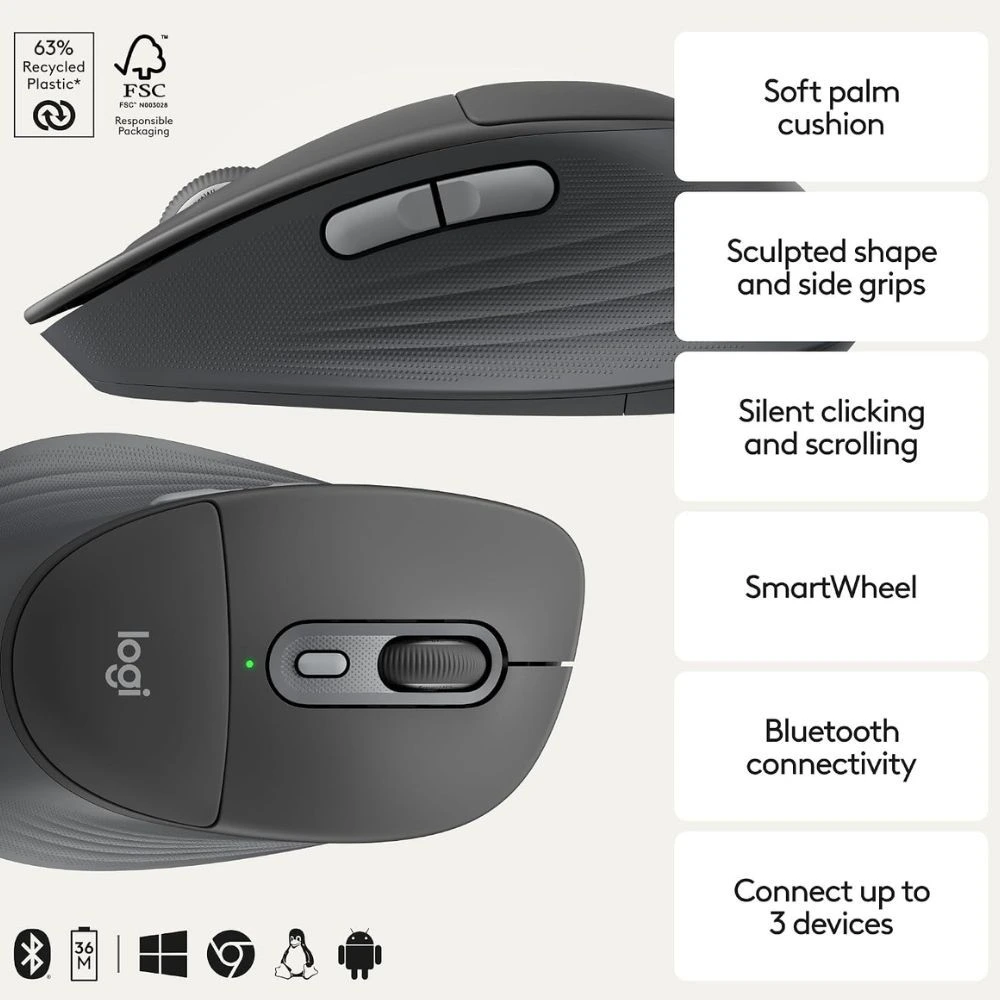
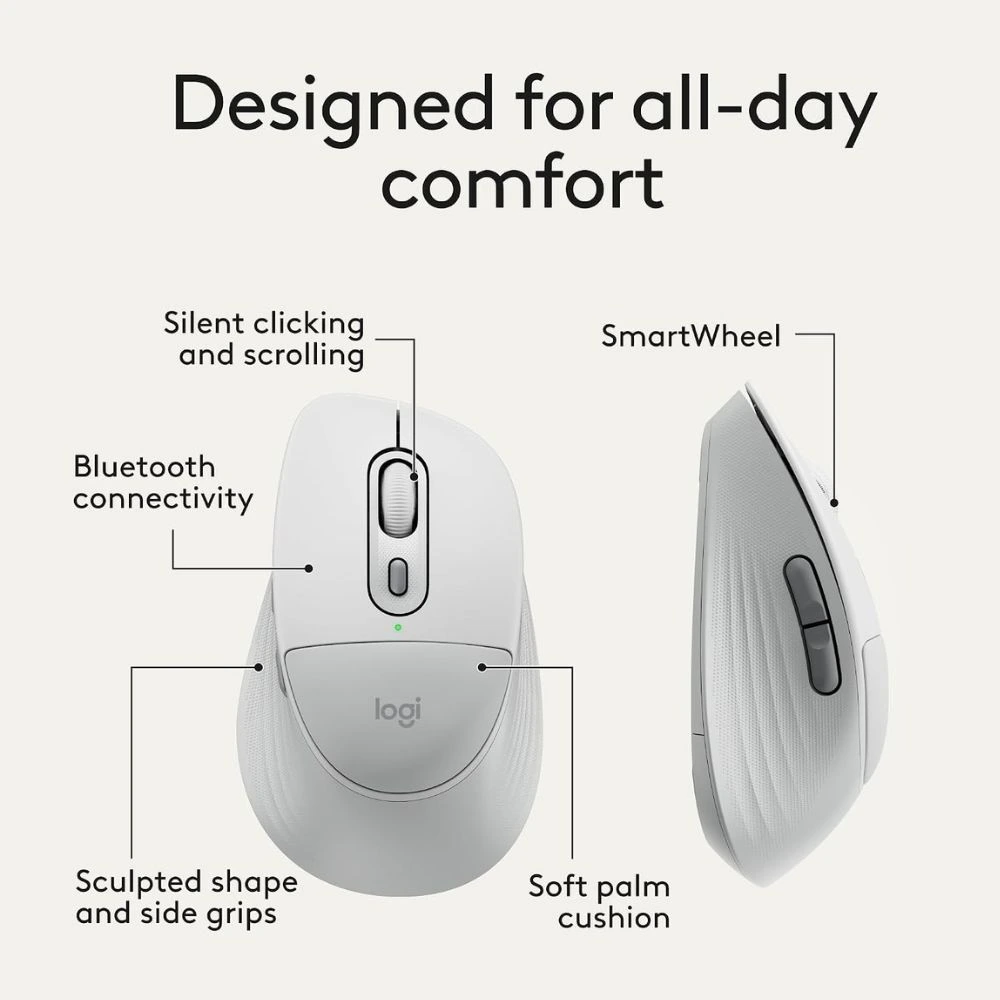
Number of Buttons: 6 (Left/Right-click, Scroll-wheel middle click, side buttons, DPI button)
Gesture button: No
Number of programmable buttons: 4 (Scroll-wheel middle click, side buttons, DPI button)
Scroll Types
Scroll Wheel: SmartWheel
Horizontal scroll: Virtual
Thumb wheel: No
Features
Customization app: Logi Options+, Logi Tune
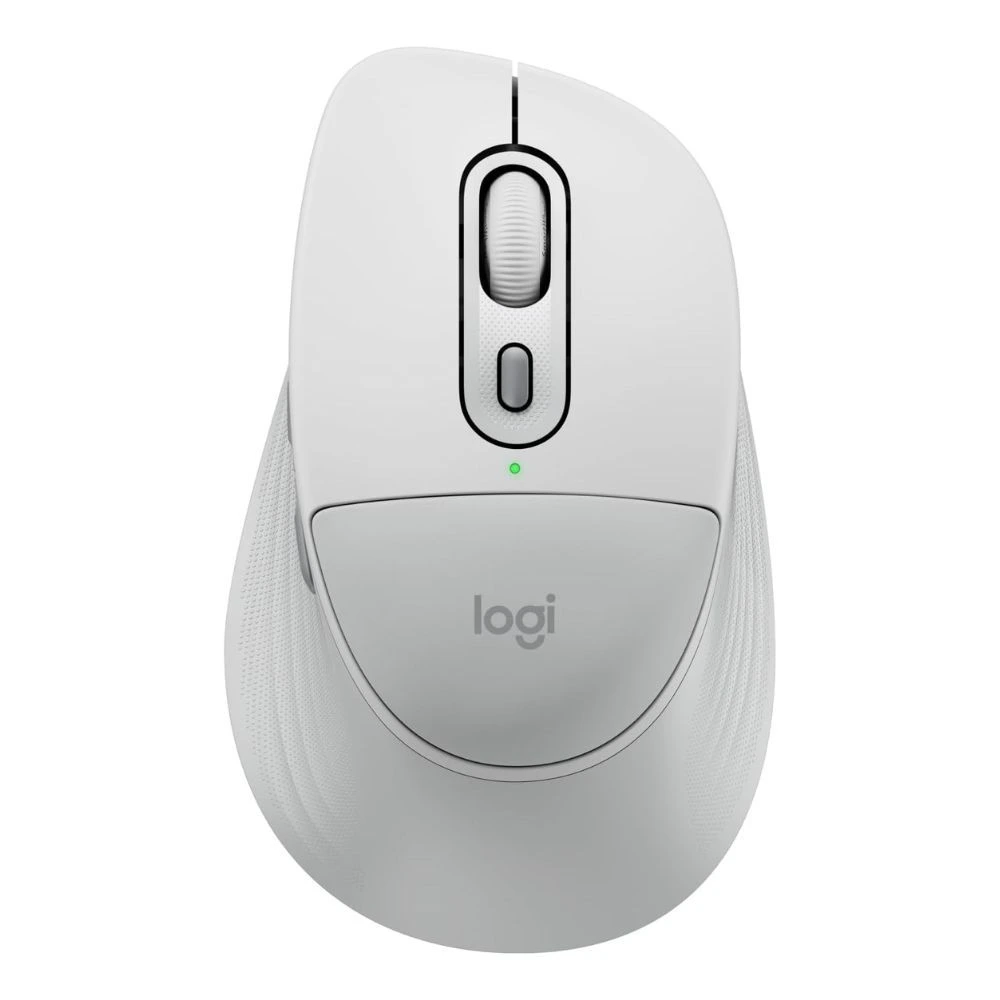
Handedness: Right
Battery
Battery type: 1 AA battery
Battery life: 24 months
Battery life with Logi Bolt USB Receiver: up to 24-months
Battery life with Bluetooth®: up to 24-months
Connectivity
Connection Type: Bluetooth Low Energy Technology
Wireless range: 10 m
Unifying-ready mouse: No
Unifying-ready receiver: No
Multi-device pairing: Up to 3 devices
System Requirements
Bluetooth: Required: Bluetooth Low Energy, Windows 10, 11 or later, macOS 12 or later, Linux*, ChromeOS*, iPadOS* 15 or later, Android™ OS* 12 or later. (*Device basic functions will be supported without software for systems other than Windows and macOS)
Logi Bolt USB receiver: Compatible with Logi Bolt USB Receiver (not included), Not compatible with other Logitech USB receivers.
Customization app: Logi Options+, Logi Tune
Dimensions
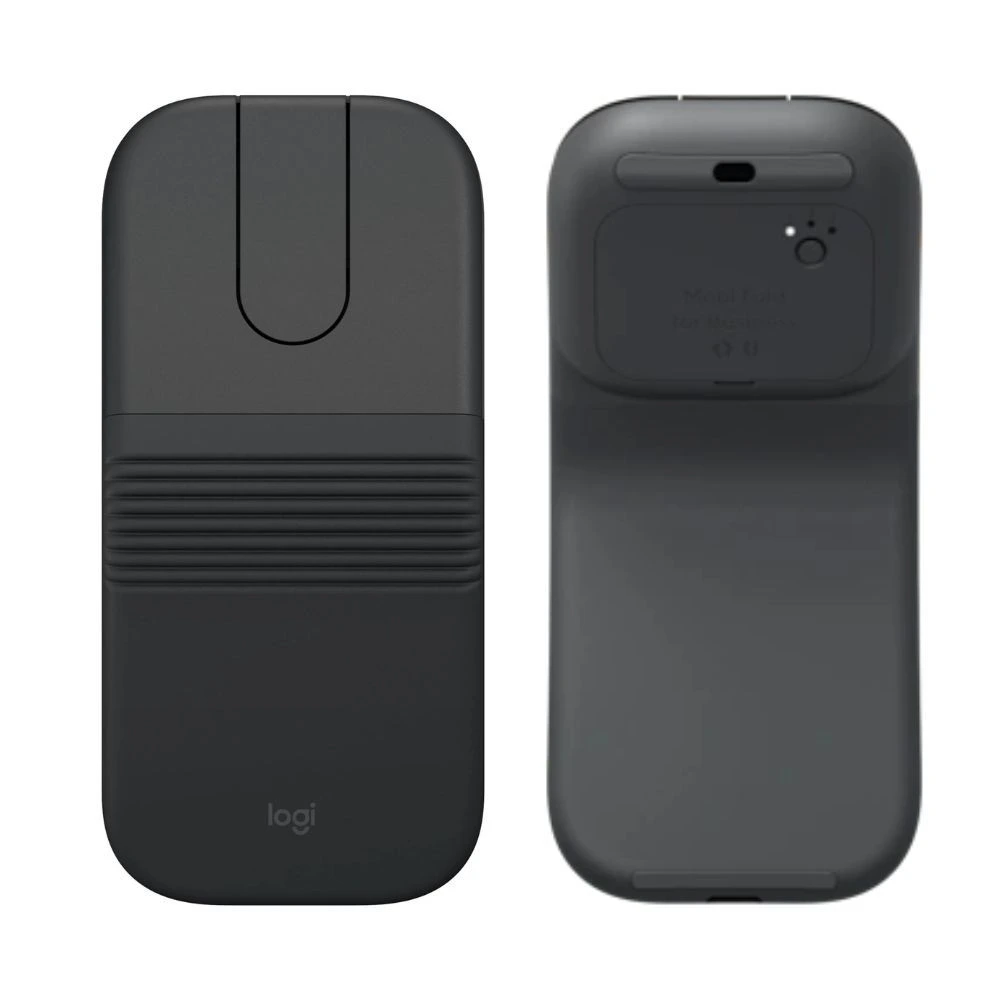
Signature Comfort Plus M850 L (with battery) – receiver not included
Height: 121.8 mm
Width: 74.3 mm
Depth: 44.2 mm
Weight: 107.9 g
Signature Comfort Plus M850 L (without battery) – receiver not included
Height: 121.8 mm
Width: 74.3 mm
Depth: 44.2 mm
Weight: 82.9 g







Reviews
There are no reviews yet.