















If you’re new to PC building, one of the most confusing components you’ll encounter is RAM. With different capacities, generations, and specifications available, it’s easy to feel overwhelmed.
The good news? Choosing the right RAM doesn’t have to be complicated.
In this guide, we’ll explain what RAM does and the most important factors you should consider before buying one for your PC.

What is RAM?
RAM (Random Access Memory) serves as your computer’s temporary workspace.
Whenever you open applications, play games, browse the internet, or edit files, your system temporarily stores the data it needs in RAM. This allows your processor to access information quickly and keep everything running smoothly.
When your PC doesn’t have enough RAM, you may notice:
- Slower performance when switching between applications
- Lag or stuttering while gaming
- Delays when opening programs
- System freezes or slowdowns during multitasking
In simple terms, more RAM allows your computer to handle more tasks at the same time without slowing down.
1. Choose the Right RAM Capacity
One of the first things you’ll notice when shopping for RAM is the capacity, usually measured in Gigabytes (GB).
The amount of RAM you need depends on how you plan to use your PC.
8GB RAM: The Minimum for Basic Computing
8GB is generally considered the minimum amount of RAM for modern computers.
It’s suitable for:
- Web browsing
- Online classes
- Microsoft Office applications
- Streaming videos
- Basic productivity tasks
While 8GB can still get the job done, you may experience limitations when multitasking heavily.
16GB RAM: The Sweet Spot for Most Users
For most users, 16GB is currently the recommended capacity.
It’s ideal for:
- Everyday multitasking
- Gaming
- School and office work
- Running multiple applications simultaneously
- Light photo and video editing
If you’re building an entry-level gaming PC, 16GB is often the best balance between performance and cost.
32GB RAM: For Power Users and Content Creators
If you regularly run demanding applications, 32GB is a safer choice.
It’s recommended for:
- Modern AAA gaming while streaming
- Video editing
- Content creation
- Heavy multitasking
- Creative workloads
The extra memory provides more headroom for demanding projects and future software requirements.
64GB RAM and Above: Professional Workloads
For advanced users and professionals, 64GB or more may be necessary.
This amount of memory is commonly used for:
- 4K and 8K video editing
- 3D rendering
- Virtual machines
- Large software development projects
- Professional production workflows
- Quick Tip
Don’t choose RAM capacity based solely on trends. Instead, choose based on how you actually use your PC.
2. Check the DDR Generation
Another important factor is the RAM generation.
You’ll commonly encounter two types today:
- DDR4
- DDR5
These two types are not compatible with each other.
If your motherboard supports DDR4, you must buy DDR4 RAM. If it supports DDR5, you must buy DDR5 RAM. That’s why checking your motherboard’s specifications is important before making a purchase.
DDR4 vs DDR5
So which one should you choose?
- DDR4 is usually more affordable and still delivers excellent performance for gaming, school, work, and everyday use.
- DDR5 is the newer standard that offers higher speeds and better future upgrade potential.
For most budget-conscious builders, DDR4 remains a great choice. However, if you’re building a newer system and want the latest platform, DDR5 is worth considering.
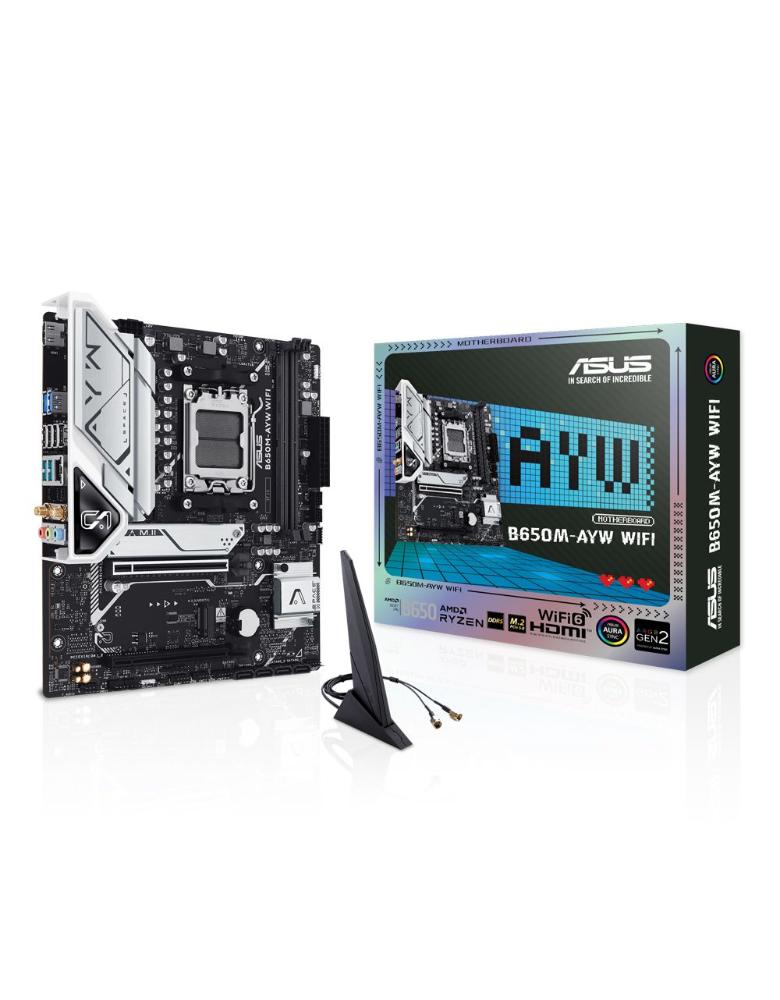
3. Make Sure It’s Compatible with Your CPU and Motherboard
Compatibility is one of the most overlooked aspects when buying RAM.
Even if a RAM kit has the right capacity and generation, it still needs to be supported by your motherboard and processor.
Before purchasing RAM, check:
- Supported DDR generation (DDR4 or DDR5)
- Maximum RAM capacity supported by the motherboard
- Supported RAM speeds
- Number of RAM slots available
Most motherboard manufacturers provide a memory compatibility list that can help you choose compatible RAM modules.
Taking a few minutes to verify compatibility can save you from costly mistakes later.
4. Consider RAM Speed
RAM speed is measured in MHz, such as:
- DDR4-3200
- DDR5-5600
- DDR5-6000
In general, faster RAM can improve system responsiveness and gaming performance, but the impact is usually smaller than upgrading your RAM capacity.
Before buying, make sure the RAM speed is supported by both your CPU and motherboard.
Final Thoughts
Choosing the right RAM doesn’t have to be difficult.
Before buying, remember these three key factors:
- Your intended PC usage
- The RAM DDR Generation
- The amount of RAM capacity you need
- Compatibility with your motherboard and CPU
Once you understand these basics, you’ll be able to confidently choose the right RAM for your system and avoid spending money on upgrades you don’t actually need.